
Build the TeamYou Can’t Afford.Can’t afford to hire? Build your own AI employee.
Your dreams can't wait! Hiring is expensive. Staying stuck is even more expensive. Building a website isn't enough anymore.
Learn how to build an AI employee that can answer customers, qualify leads, organize your business, automate repetitive work, and work around the clock—without another paycheck.
No coding. No agency. No guesswork.
ONE COURSE. TWO WAYS TO BUILD.
Choose Your Build Path
Both plans give you the complete course. The difference is how much hands-on help you want.
SELF-GUIDED
Build It Yourself
Learn the complete system and build your AI employee at your own pace.
- 8 step-by-step modules
- Templates & checklists
- Practical examples
- Lifetime access
- Learn on your schedule
GUIDED BUILD
Build It With Me
Get the complete course, then work with us live to build and configure your AI employee.
- Everything in Self-Guided
- Live guided build session
- Personal help & feedback
- Real-time Q&A
- Leave with a working foundation
Both include the complete course. Pick how much help you want. Not what you expected? Email within 7 days.
This course is for business owners who are tired of doing work AI can handle.
If any of the following sounds familiar, you're in the right place.
You handle customer questions yourself
You're the one answering emails, DMs, and calls — most of them asking the same things. You need a first line of response that doesn't require your attention every time.
You're paying for help you can partially automate
You have a VA, assistant, or contractor doing repetitive work. You'd like to free them up for higher-value tasks — or reduce what you're spending before you're ready to hire.
You've tried AI tools but gotten inconsistent results
You've used ChatGPT or similar tools and found the output unreliable or hard to reuse. You want a structured method — not random prompts — so the AI actually works for your business.
You want to understand AI before paying someone else to build it
You've seen what AI can do. You'd rather understand the system yourself than hand it to a developer and hope for the best — especially for a $5,000–$15,000 build.
If none of these apply, this course may not be the right fit right now — and that's fine.
Your business does not need more busywork.
Most business owners do not struggle because they lack ideas. They struggle because repetitive work keeps pulling them away from sales, customers, strategy, and growth.
AI handles repetitive and predictable work so you can focus on tasks that require human judgment.
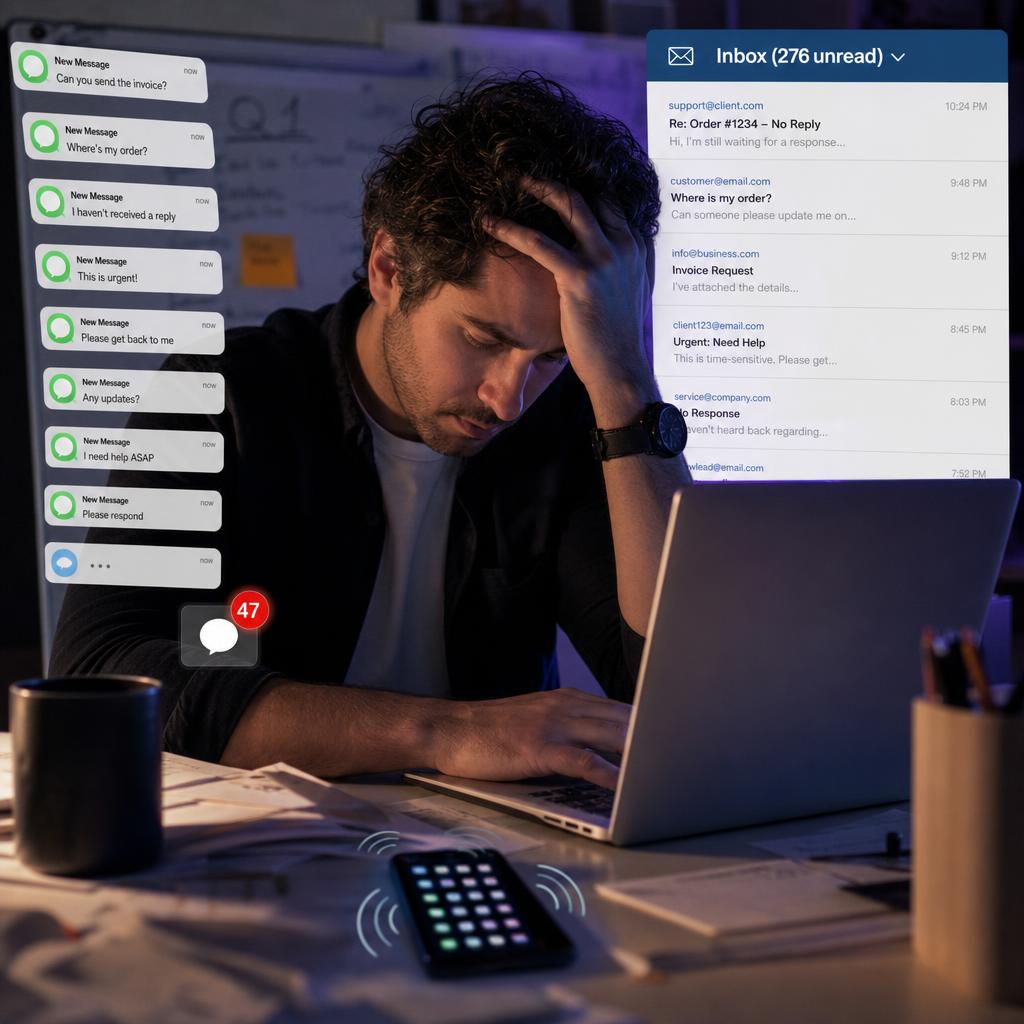
Sound familiar?
The same questions. Every. Single. Day.
Work keeps moving — even when you are unavailable.
Imagine opening your business tomorrow morning and discovering that customer questions were answered, leads were organized, and your most repetitive tasks were already moving forward.

✓ AI handled it
While you were away, your AI kept working.
It is a digital employee built for a role.
An AI employee is a digital team member trained around a specific role, your business information, your preferred processes, and the tools it needs to complete useful work.
Role
Define exactly what the employee is responsible for.
Knowledge
Give it the business information it needs to respond correctly.
Instructions
Teach it how work should be handled inside your business.
Tools
Connect it to the systems and workflows required to complete tasks.
ImprovementOptional
Review its work and improve its instructions over time.
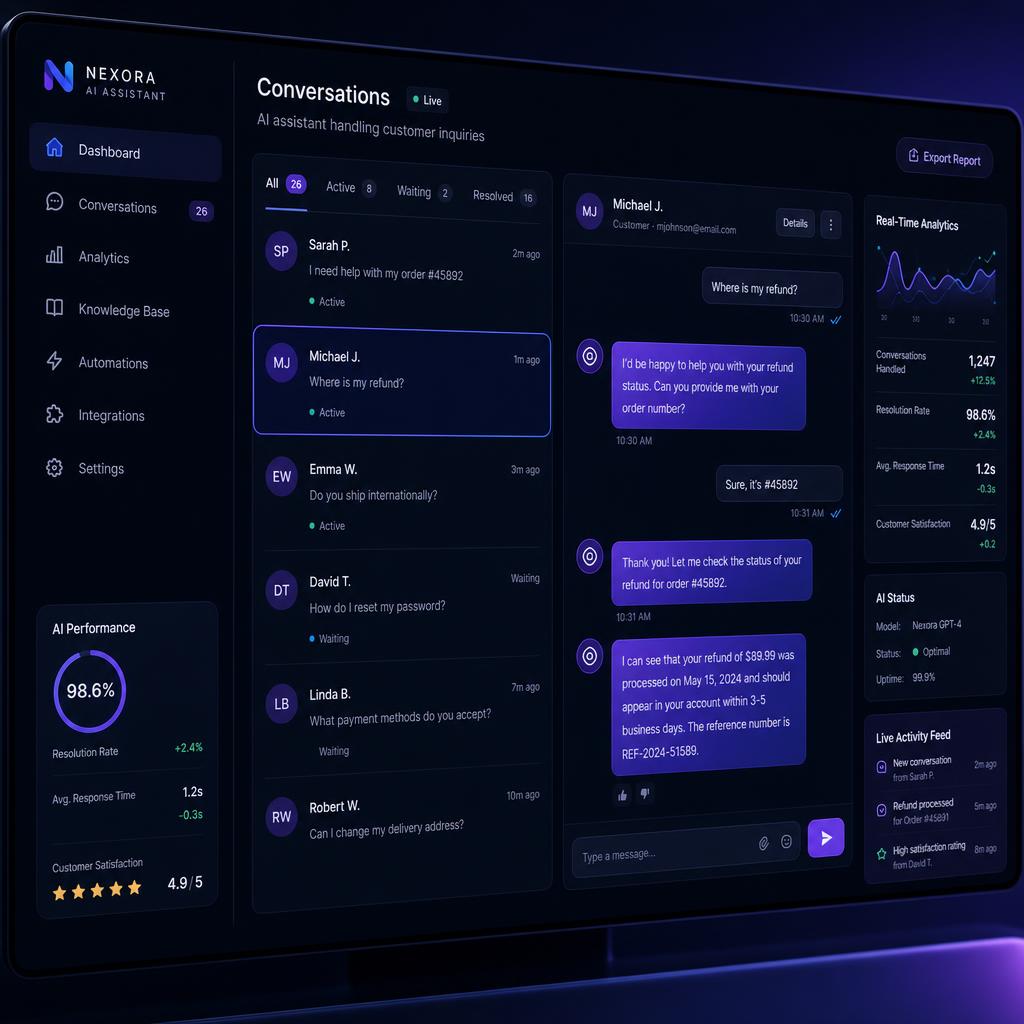
Live AI conversations
Customers get instant, accurate answers 24/7.
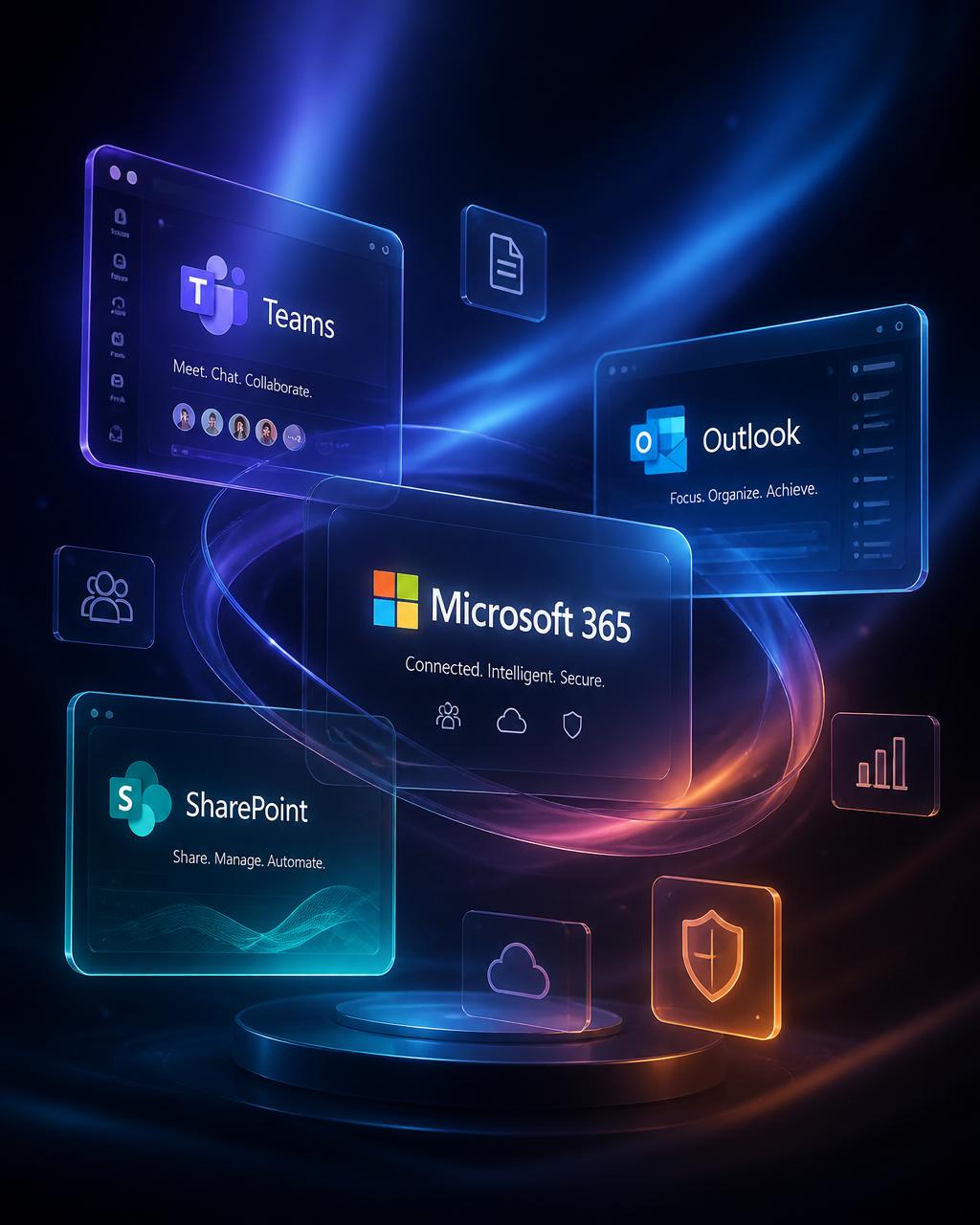
Connects to your existing tools
Email, calendar, CRM, and more — all in one place.
Important: AI employees require thoughtful setup, defined permissions, business knowledge, and human oversight. This course teaches you to build them correctly — not to set them loose without supervision.
Build the employee your business needs first.
The course teaches a repeatable framework. Choose any of these roles as your starting point, then adapt it to your business.
Customer Support Employee
- Answers common questions using your business information
- Helps customers find the correct next step
- Stays available around the clock
- Escalates situations that require a person
Lead Follow-Up Employee
- Organizes incoming leads
- Helps qualify opportunities
- Drafts follow-up messages
- Keeps prospects from being forgotten
Email Assistant
- Summarizes messages
- Identifies important conversations
- Organizes action items
- Drafts responses for review
Business Knowledge Employee
- Learns company documents and policies
- Helps locate information quickly
- Answers internal questions
- Keeps procedures accessible
Appointment Assistant
- Helps organize booking requests
- Prepares appointment information
- Sends reminders or follow-up instructions
- Reduces scheduling back-and-forth
Operations Assistant
- Organizes recurring tasks
- Helps document procedures
- Tracks outstanding items
- Creates summaries and reports
Each integration listed above depends on the tools you choose to use. The course teaches the framework — tool availability varies by platform.
You are not leaving with another folder of videos.
The goal is to leave with a clear AI employee role, organized business knowledge, working instructions, tested workflows, and a system you understand well enough to keep improving.
Before
- The idea is unclear
- Instructions are scattered
- The AI gives inconsistent answers
- Business information is not organized
- There is no process for testing
- You are experimenting without a system
After
- The employee has a defined role
- Instructions are organized
- Business knowledge is structured
- Responses are tested
- Weak points are identified
- You know how to improve the employee
- You can repeat the process for future roles
A complete system for building your first AI employee.
Eight modules that walk you from identifying the right role to having a working, tested AI employee you understand and can keep improving.
- Identify repetitive business work
- Choose a role with a clear outcome
- Avoid building an employee that is too broad
- Define what success should look like
- Write the employee's responsibilities
- Define boundaries and permissions
- Determine what requires human approval
- Create escalation rules
- Organize business information
- Prepare frequently asked questions
- Add products, services, policies, and procedures
- Reduce incomplete or inaccurate answers
- Write reliable operating instructions
- Define tone and communication style
- Create workflows
- Prevent vague or inconsistent behavior
- Configure the employee
- Add the role and instructions
- Add business knowledge
- Prepare the first working version
- Test common customer questions
- Test unusual situations
- Identify weak answers
- Improve instructions and knowledge
- Decide where the employee will operate
- Establish human approval points
- Protect sensitive information
- Create ongoing review procedures
- Review performance
- Add new knowledge
- Improve workflows
- Plan the next AI employee
Everything you need to build with clarity.
Both the $97 and $197 plans include all of the following.
What does building an AI employee actually cost?
There are several ways to get AI working in your business. Here is how they compare.
A live one-on-one build session with a professional typically runs $300–500 alone. You get it included with the complete course for $197.
Included with the $197 option
One-time payment. You own the framework. You can build additional AI employees using the same system.
Why I created this course.
Instructor video coming soon.
This is not another collection of AI tricks.
This is not
- A get-rich-quick program
- A list of random prompts
- A promise that AI will run your entire company without oversight
- A coding bootcamp
- A custom software development package
- A guarantee that AI can replace every job
- A theory-only course
This is
- A practical framework
- A structured build process
- A business-first approach
- A way to create a defined digital role
- A system for organizing knowledge and instructions
- A foundation you can improve over time
- A repeatable process for future AI employees
Same course. Different level of support.
Both options give you the complete system. Choose whether you want to build it yourself or build it with direct guidance.
Get the complete course, templates, and framework. Follow the system and build your AI employee at your own pace.
- Complete course access
- All templates and resources
- Step-by-step build framework
- Business knowledge checklist
- Testing and improvement system
- Learn at your own pace
- Build independently
- Access from desktop and mobile
Not what you expected? Email hello@dahnjay.tech within 7 days of purchase and we'll review your situation.
One session scheduled per day. When the month fills, you wait for the next opening.
Get everything in the self-guided course, plus a live guided session where we help you build and configure your AI employee.
- Everything in the self-guided course
- Live guided build session
- Help choosing the right first role
- Help organizing business knowledge
- Help creating employee instructions
- Help configuring the first version
- Live questions and answers
- Real-time troubleshooting
- Clear next steps after the session
Not what you expected? Email hello@dahnjay.tech within 7 days of purchase and we'll review your situation.
Which option is right for you?
- •Independent learners
- •People comfortable following step-by-step instructions
- •Business owners who want to build on their own schedule
- •People who want the lowest-cost way to access the full system
- Lowest investment
- Complete course content
- Learn on your own schedule
- Pause and revisit lessons as needed
- Build at your own pace
- Ideal for people who enjoy experimenting
- •People who want faster implementation
- •Business owners who do not want to build alone
- •Beginners who want live clarification
- •People who value direct feedback
- •People who want help configuring their first employee
- Includes the full course
- Includes live guided implementation
- Get questions answered in real time
- Reduce avoidable setup mistakes
- Receive help adapting the system to your business
- Leave with a clearer working foundation
What the guided session does—and does not include.
The guided build session is designed to help you create and configure the foundation of your first AI employee. It is not an unlimited consulting engagement or a custom software development project.
The session can include
- Choosing the first employee role
- Clarifying responsibilities
- Organizing the required business information
- Writing or improving instructions
- Configuring the employee's foundation
- Testing sample scenarios
- Identifying next steps
The session does not automatically include
- Building a complete custom SaaS product
- Unlimited integrations
- Custom application development
- Enterprise migration services
- Ongoing employee management
- Legal, compliance, medical, tax, or financial advice
- Guaranteed revenue or labor savings
- Unlimited post-session support
Come prepared. Leave with more completed.
The more complete your information is before the session, the more we can accomplish together.
Built from real business and enterprise technology experience.
Dahn Jay
Dahn Jay has spent years working across enterprise IT, Microsoft environments, identity, infrastructure, security, automation, and business technology. This course turns that experience into a practical system business owners can use to build AI employees around real operational needs.
From zero to a working AI employee.
Define the AI employee role
Name the role, set responsibilities, and define what tasks it owns.
Add business information
Upload FAQs, policies, product details, and any documents the employee needs.
Add operating instructions
Define tone, workflows, what to do, and what to escalate to a person.
Test real business scenarios
Ask it questions a real customer would ask. Find and fix weak spots.
Review and improve
Check responses, update knowledge, tighten instructions, and keep improving.
What changes when the system is built correctly?
Results depend on the quality of your business information, instructions, implementation, tools, oversight, and continued improvement. AI systems can make mistakes and should be reviewed before being trusted with sensitive or high-impact decisions.
Frequently asked questions
Do I need to know how to code?
No. The course is designed to explain the process in practical business language. You should be comfortable using web-based tools and following step-by-step instructions.
What is the difference between the $97 and $197 options?
Both include the complete course. The $197 option also includes a live guided session where we help you build and configure your first AI employee.
Is the guided option a done-for-you service?
It is a guided build, not unlimited done-for-you development. We work with you during the session to create the foundation, but you remain involved in decisions, preparation, testing, and future improvement.
Will my AI employee be finished during the session?
The goal is to complete as much of the foundation as possible. The final result depends on preparation, complexity, available business information, and the tools required.
What type of AI employee should I build first?
Start with a role that handles repetitive, well-defined work with clear rules — such as answering common questions, organizing information, supporting lead follow-up, or assisting with email.
Can an AI employee replace my staff?
The course focuses on automating or assisting with repetitive work. AI should not be treated as a universal replacement for people, judgment, leadership, or specialized expertise.
Can I use this for any type of business?
The framework can be adapted to many businesses, but some industries have additional privacy, safety, regulatory, or professional requirements.
Does this include software subscriptions?
The course teaches you how to build AI employees using available tools. Third-party tool costs or software subscriptions are separate from the course price.
Do I own the AI employee I build?
The knowledge, frameworks, templates, and instructions you create are yours. The underlying AI platform and infrastructure are subject to the terms of the tools you choose to use.
How do I schedule the guided session?
After purchase, a scheduling link will appear in your course dashboard. The session is arranged by email confirmation once you book.
Is there a refund policy?
Please contact hello@dahnjay.tech within 7 days of purchase if you have concerns. Refund eligibility is reviewed on a case-by-case basis.
How long do I have access?
Lifetime access to course content and future updates.
Can my team take the course?
Each purchase covers a single individual. Contact us for team or organization licensing.
Your first AI employee starts here.
Choose the complete self-guided system or build your first employee with direct guidance.
Same complete course. Two different levels of implementation support.